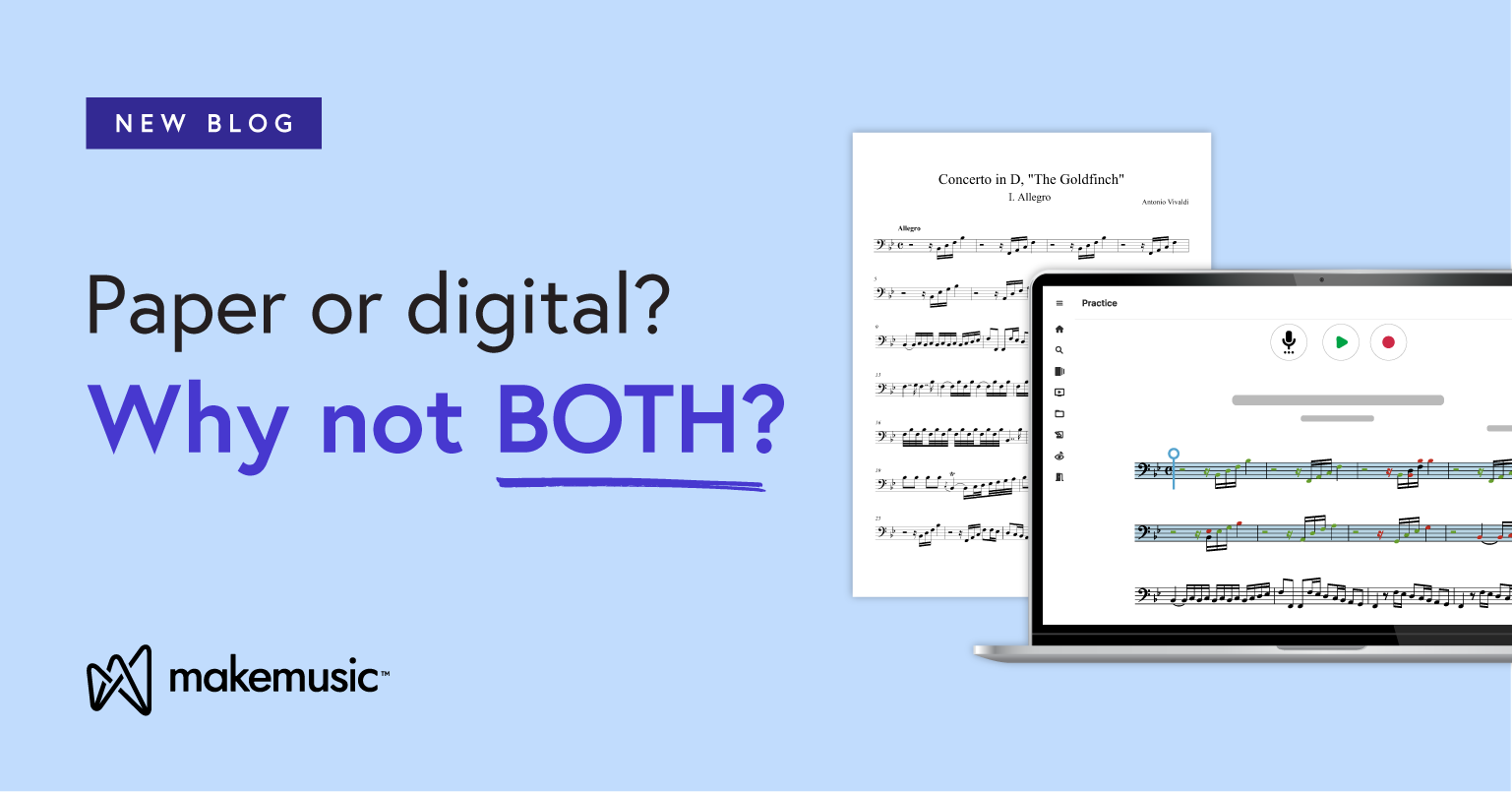
For so long, music educators have relied on stacks of paper that are dog-eared, marked-up, and impossible to keep organized once the school year hits full swing. But today’s classrooms look different. Laptops and tablets sit beside stands, and the conversation is no longer about choosing between paper or digital sheet music—it’s about how both can work together.
In this blog, we’ll explore what digital sheet music is, how teachers can use it, and where to find it. You’ll also learn how federal funding can help schools make the switch, discover the unique features in the MakeMusic Cloud Catalog, and see why a hybrid approach that combines digital and print can make the biggest impact for students and teachers alike.
What Is Digital Sheet Music?
Digital sheet music is any notation you access and interact with on a device such as a tablet, laptop, phone, or classroom computer. At the simplest level, it’s a PDF you can view and mark up. At its best, it’s interactive notation that plays back, tracks tempo, gives feedback, and connects to your classroom tools.
As classrooms continue to adopt new technology, more teachers are finding that digital sheet music offers practical benefits that make daily instruction easier.
Why more teachers are using it:
- Access and portability: Your library travels with you, so there’s no need to carry heavy binders or worry about missing pages.
- Engagement: Instant, objective feedback and interactive elements like playback and looping help students stay motivated and build confidence in their accuracy as they see and hear their progress. This is especially vital for independent practice at home.
- Flexibility: Teachers can easily assign parts, customize content, and support differentiated instruction for individual or group learning.
- Continuity: Works seamlessly across in-person, hybrid, and remote learning environments.
- Quick print options: When you use digital sheet music, you can still print out physical copies to keep in binders or folders—mark up like normal, but easily print an additional copy if needed.
This growing shift isn’t just about convenience– it’s backed by research! A 2025 article, “The Use and Effectiveness of Digital Tools in Elementary Music Education: A Systematic Review,” analyzed 15 different studies and found that all studies reported positive impacts on students’ musical skill development when using digital tools.
In short, digital sheet music isn’t replacing paper; it’s expanding what’s possible for teachers and students alike.
Where to Find Digital Sheet Music?
There are now more ways than ever to access digital sheet music, from single-title downloads to complete teaching libraries. The best option depends on how you plan to use it in your classroom.
- Publisher and educator platforms: Many publishers like Alfred Music now host online libraries where you can browse digital sheet music PDF downloads that can be printed, saved to your devices, or uploaded to your favorite sheet music viewer app. (Alfred Music’s Digital Library) Plus: when you buy digital, you don’t have to wait for shipping!
- Marketplace sites: These allow you to purchase and download individual pieces as PDFs, great for one-off needs.
- Interactive platforms: Some services, like MakeMusic Cloud, take digital sheet music further by combining interactive practice assessment, professional accompaniments, and assignment tools within a single platform.
Can You Get Federal Funding for Digital Sheet Music?
Yes! Several programs and state initiatives can help schools with digital purchases or subscriptions to platforms like MakeMusic Cloud.
At the federal level, many districts use Title I, II, and IV funds to support technology-based music instruction. These programs cover initiatives that improve student achievement, professional development, and access to well-rounded education.
Some states also offer textbook or instructional materials funds that can be used for approved digital resources. Supplemental allocations for core or adopted materials may also apply, depending on district guidelines.
If you’re unsure where to start, MakeMusic offers a complete guide to navigating these options. Visit our blog, Leverage Title I, II, and IV Federal Funding for MakeMusic Cloud, for details on how MakeMusic Cloud meets the criteria and how schools can apply for funding.
The Benefits of Digital Sheet Music
Digital sheet music is transforming the classroom experience for both teachers and students. In this section, we’ll explore the key benefits that make it such a powerful tool.
1. Access and organization
Keep your entire library in one place. No more messy folders, misplaced parts, or digging through filing cabinets. With a digital catalog, teachers can instantly search, preview, and assign titles, while students access their music anytime, anywhere.
This is a game-changer, whether you’re managing a small rural program with minimal storage or a massive urban program with thousands of parts.
2. Student engagement
Digital sheet music meets students where they already are–on their devices. It mirrors how they interact with learning in other subjects and can include more interactive elements. The result is a learning experience that feels modern, familiar, and connected to their world.
3. Flexibility for teachers
Digital sheet music supports differentiated learning.
Teachers can customize assignments, adapt parts for individual needs, and even integrate content from multiple publishers or composers. For example, for a high school band, you can assign the 1st Clarinet part to advanced players while easily giving a simplified 3rd Clarinet part to a newer student, all from the same piece. It’s a flexible tool that grows with your program.
4. Printable options when needed
Digital doesn’t mean paperless. Many titles in MakeMusic Cloud come with built-in print access—so students can use physical copies in class while keeping interactive access online. It’s the best of both worlds.
5. Built-in assessment and progress
Some platforms, like MakeMusic Cloud, go beyond playback to include real-time feedback and grading tools. Students can see how they’re performing on rhythm and pitch accuracy, while teachers can track practice habits, assess improvement, and provide instant feedback all within the same platform.
6. Consistent access across learning environments
Whether teaching in person, hybrid, or remote, digital sheet music ensures every student has the same access to their materials. Teachers can assign music, monitor practice, and give feedback from anywhere.
How to Stay Organized with Digital Sheet Music
A growing digital library can be exciting, but without a good system, it can quickly get overwhelming.
Here are a few simple ways to manage your digital materials effectively:
1. Keep your files centralized
If you’re using PDFs or downloaded scores, store them in one cloud folder or drive so they’re easy to find. Create subfolders by ensemble, grade level, or concert program.
2. Track what lives where
Different platforms offer different catalogs. Keep a quick reference list or spreadsheet of which digital libraries (like MakeMusic Cloud, Alfred Music, or Hal Leonard) contain specific titles your program uses most.
3. Use built-in library tools when possible
Platforms like MakeMusic Cloud make this easier by automatically organizing your assigned pieces, playlists, and practice materials within your account. You can sort by class, student, or performance date without juggling multiple file folders.
4. Label consistently
Use clear, descriptive titles—include composer, ensemble type, and year (for example, “Smith_WinterConcert_Band_2025”). This helps you and your students find pieces quickly when performance season gets busy.
5. Back up regularly
Even with cloud access, it’s smart to keep a backup on an external drive or shared district folder so you never lose access due to login changes or device updates.
MakeMusic Cloud’s Digital Catalog
Every music teacher needs quick access to reliable, high-quality repertoire. MakeMusic Cloud’s Music Catalog brings everything together in one place, featuring more than 24,000 interactive titles, including exclusive favorites like Brian Balmages’ Foundations Series. Teachers and students can instantly explore concert repertoire, pop favorites, method books, and more all supported by professional accompaniments and engaging practice tools. The result is a flexible library that supports both classroom instruction and independent learning.
Print Sheet Music Options
Even with a full digital library, most teachers still need printed music from time to time. MakeMusic Cloud gives you both flexibility and control, so you can choose what works best for your classroom setup.
Many titles include FREE print access for select scores and parts, including favorites like Quick Hits, The Foundations Series, and PerformancePlus+. Teachers can print what they need for class while keeping the same titles accessible online for practice and assessment.
For programs that rely heavily on print, our Print Add-Ons offer licensed access for bulk subscriptions, allowing students and teachers to print directly from the digital library.
Digital VS Interactive in MakeMusic Cloud
| Digital | Interactive |
|
|
Ready to Go Digital?
Digital sheet music is changing the way teachers and students experience music learning. MakeMusic Cloud brings everything together in one place, creating an interactive platform built specifically for music education.
You can:
- Access and assign music instantly from a library of more than 24,000+ interactive titles.
- Assess and track progress with real-time feedback on rhythm and pitch.
- Strengthen student skills with Sight Reading Studio, a built-in tool for sight-reading and assessment.
- Print and share music as needed for class or performance.
- Upload and edit your own scores to tailor lessons to your students.
Start your free 30-day trial today and see how going digital can transform your classroom!