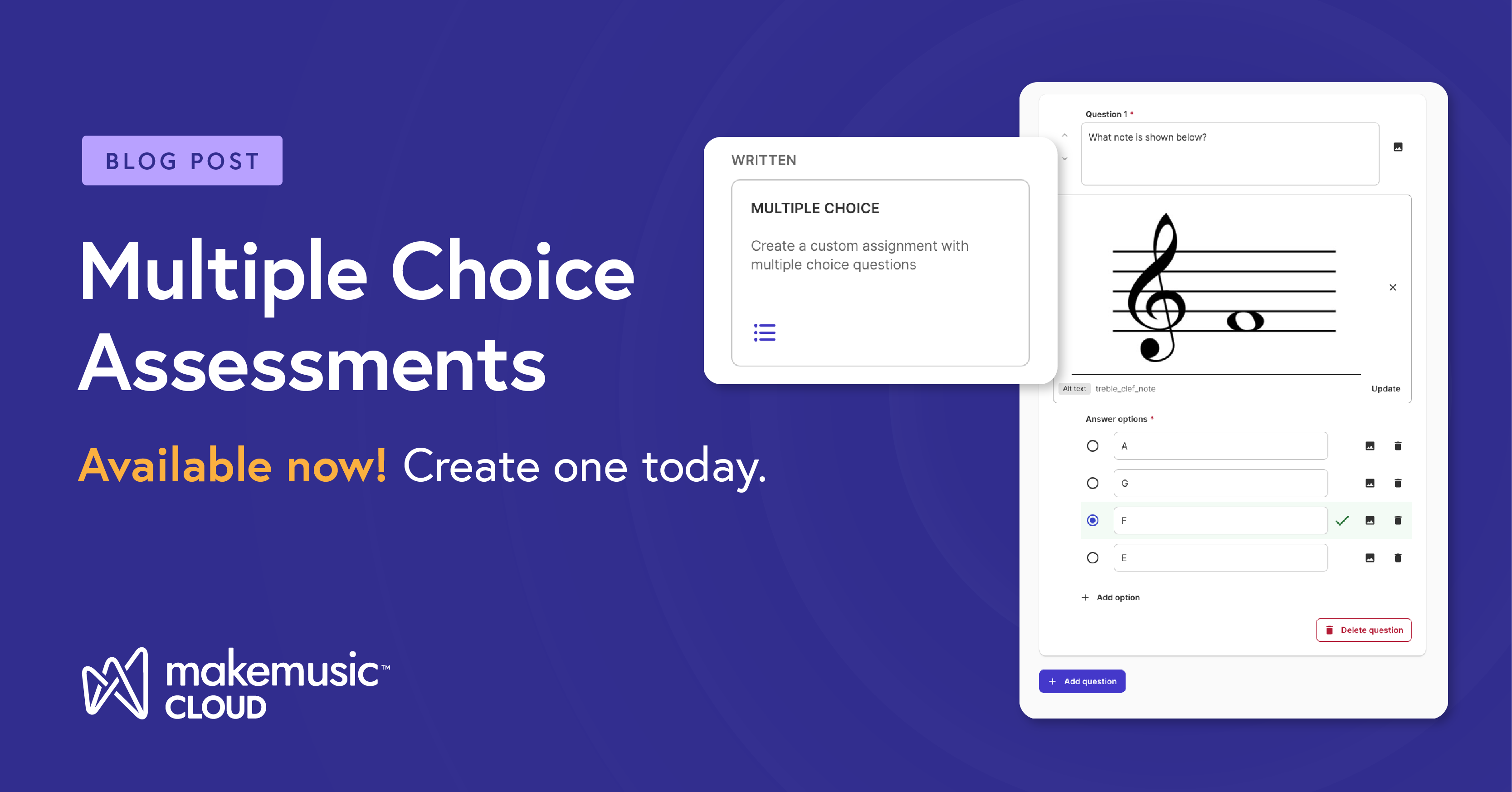
We are thrilled to open a brand-new chapter in comprehensive music learning by introducing our first-ever written assessment type: Multiple Choice Assessment.
This new feature completely expands what’s possible on our platform by expanding the types of custom assignments you can create outside of the Music Catalog. It’s also a great student growth measure collection tool, perfect for alignment with Texas Fine Arts Assessment. And once your assignments are created, they can be reused in future years, saving you countless hours of set up time.
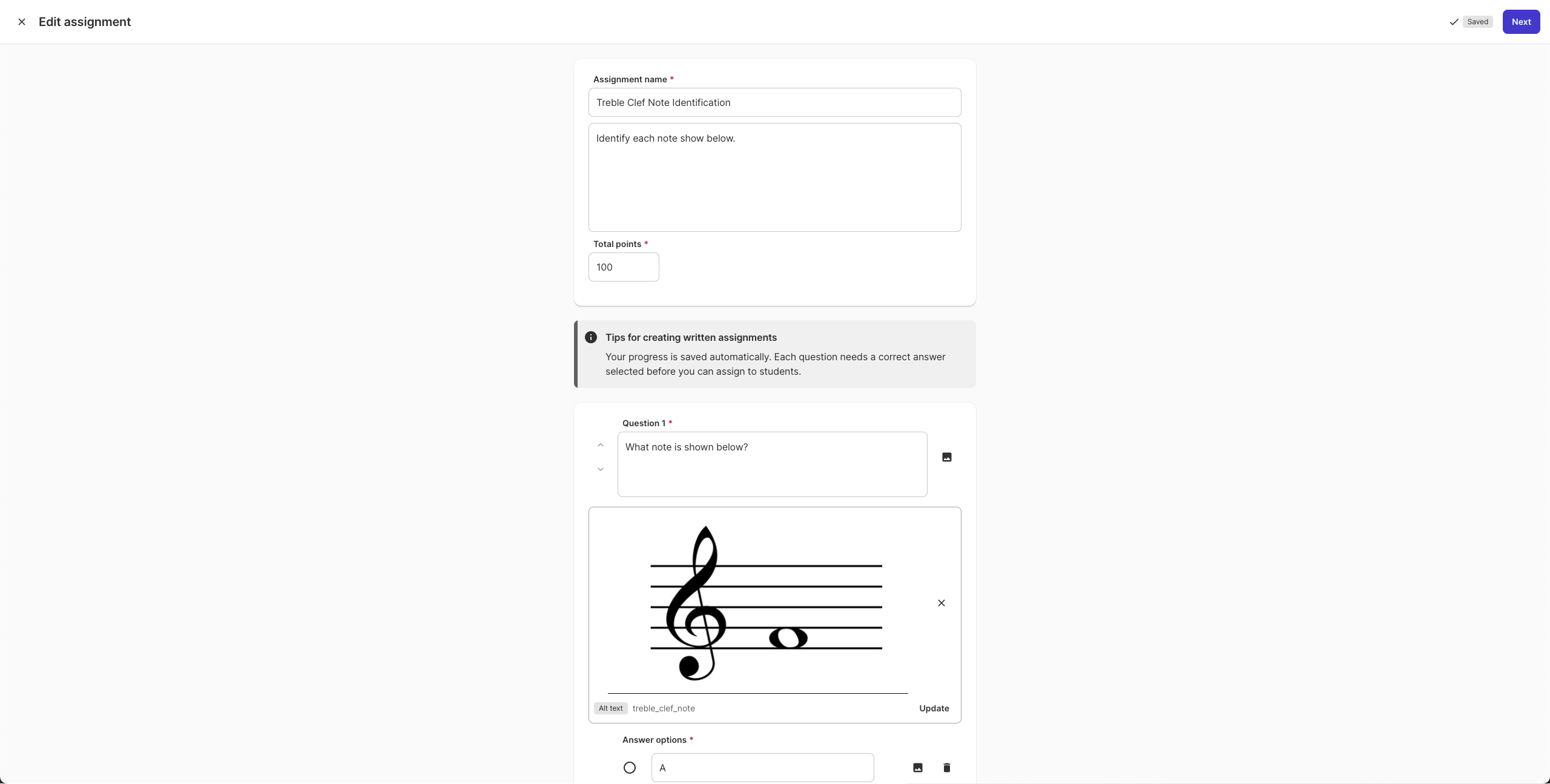
Here is how you can weave this game-changing tool into your weekly lesson plans:
1. Lock Down the Basics: Notes, Terms, and Fingerings
We’ve all been there: a student is playing the wrong pitch or missing an accidental simply because they forgot the fingering. With Multiple Choice Assessments, you can isolate cognitive literacy from physical execution. Building these assessments is flexible: choose a text-only format, add in your own custom images, or combine the two.
Easily build targeted quizzes to assess:
- Note recognition across clefs.
- Musical symbols identification
- Correct alternate fingering based on fingering charts
- Solfege sign or pitch identification
By diagnosing these roadblocks digitally, you save precious podium time.
2. The Ultimate Sub Plan: Video and Media Quizzes
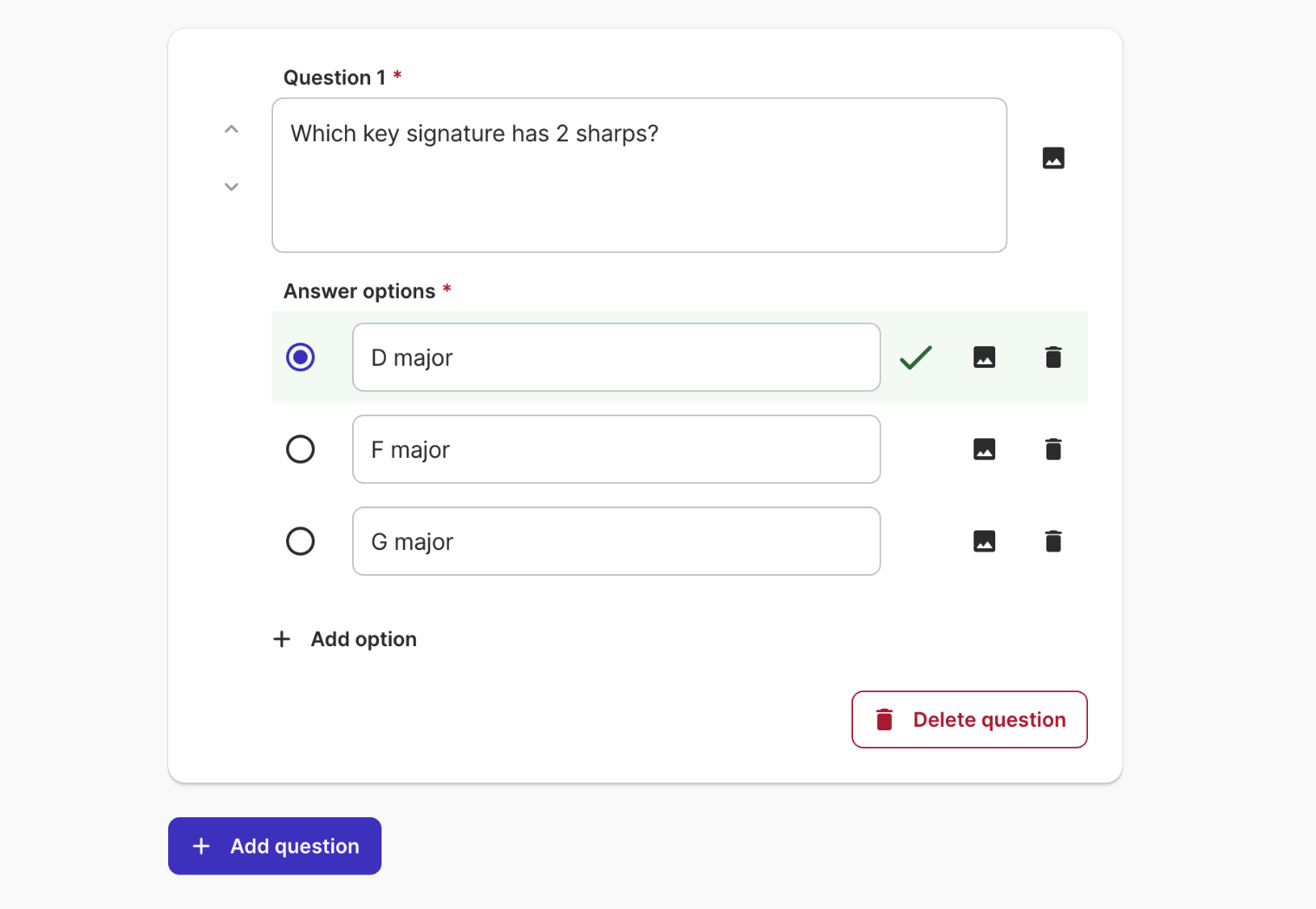
Need to step away from the classroom for a professional development day, or looking for a meaningful listening lesson? Now, you can easily pair your sub plan with accountability. Assign a video, such as a documentary on the history of jazz, a professional symphony livestream, or an instrument masterclass, and build a tailored multiple-choice quiz to assess your students’ comprehension and attention. It keeps your students focused, engaged, and actively listening, even when a substitute teacher is leading the class.
3. Demonstrate Student Growth: Theory Pre- and Post-Tests
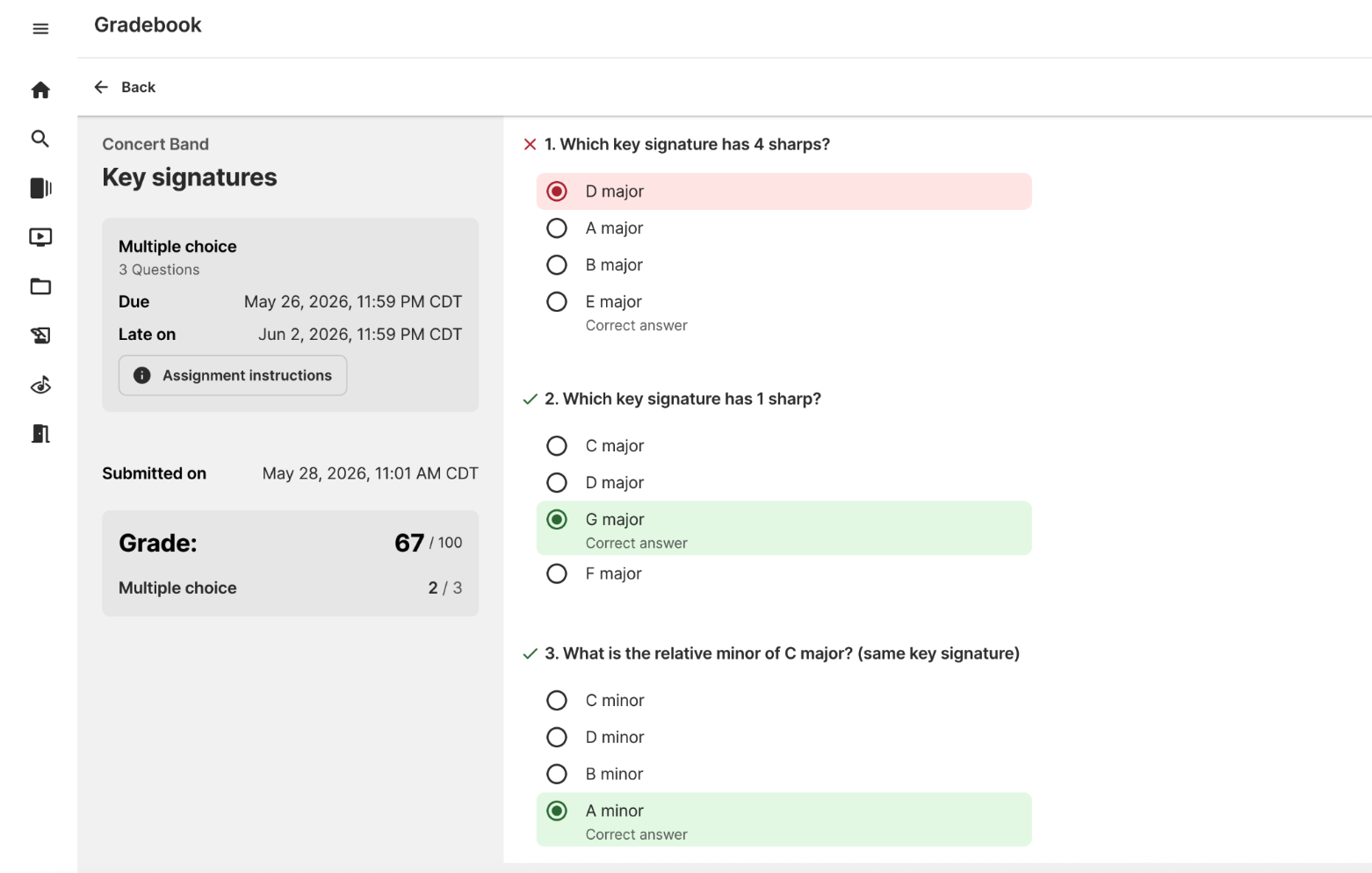
Quantifying student growth for administrative evaluations can be a headache. The Multiple Choice Assessment tool serves as your perfect, data-driven vehicle for music theory testing.
- August/September: Deploy a baseline pre-test evaluating knowledge of key signatures, time signatures, and intervals.
- May: Run the exact same assessment as a post-test.
The platform collects the data for you, giving you clear, visual evidence of measurable student growth to share with parents and administrators.
4. Broaden Horizons with Music History
Contextualizing the repertoire on the music stands makes rehearsals infinitely more meaningful. Use this feature to integrate music history directly into your ensemble curriculum. Create quick quizzes focused on the historical eras of your current concert pieces, the lives of the composers you are rehearsing, or the cultural movements that shaped the music you are performing.
5. A General Music Game-Changer
While MakeMusic Cloud is a staple in performance ensembles, this update is a massive win for General Music classes. Because these assessments exist independently of performance tracks, you can easily build units on global music traditions, commercial genres, or introductory notation that don’t rely on traditional instrument testing. It provides a structured, digital home for every single student in your music department.
Ready to reclaim your podium time?
Log in to your MakeMusic Cloud account today. Head over to the Create menu to check out the new assignment type, start building your questions, and unlock a whole new dimension of music education!
You can also review this article for a deep-dive into this new feature.