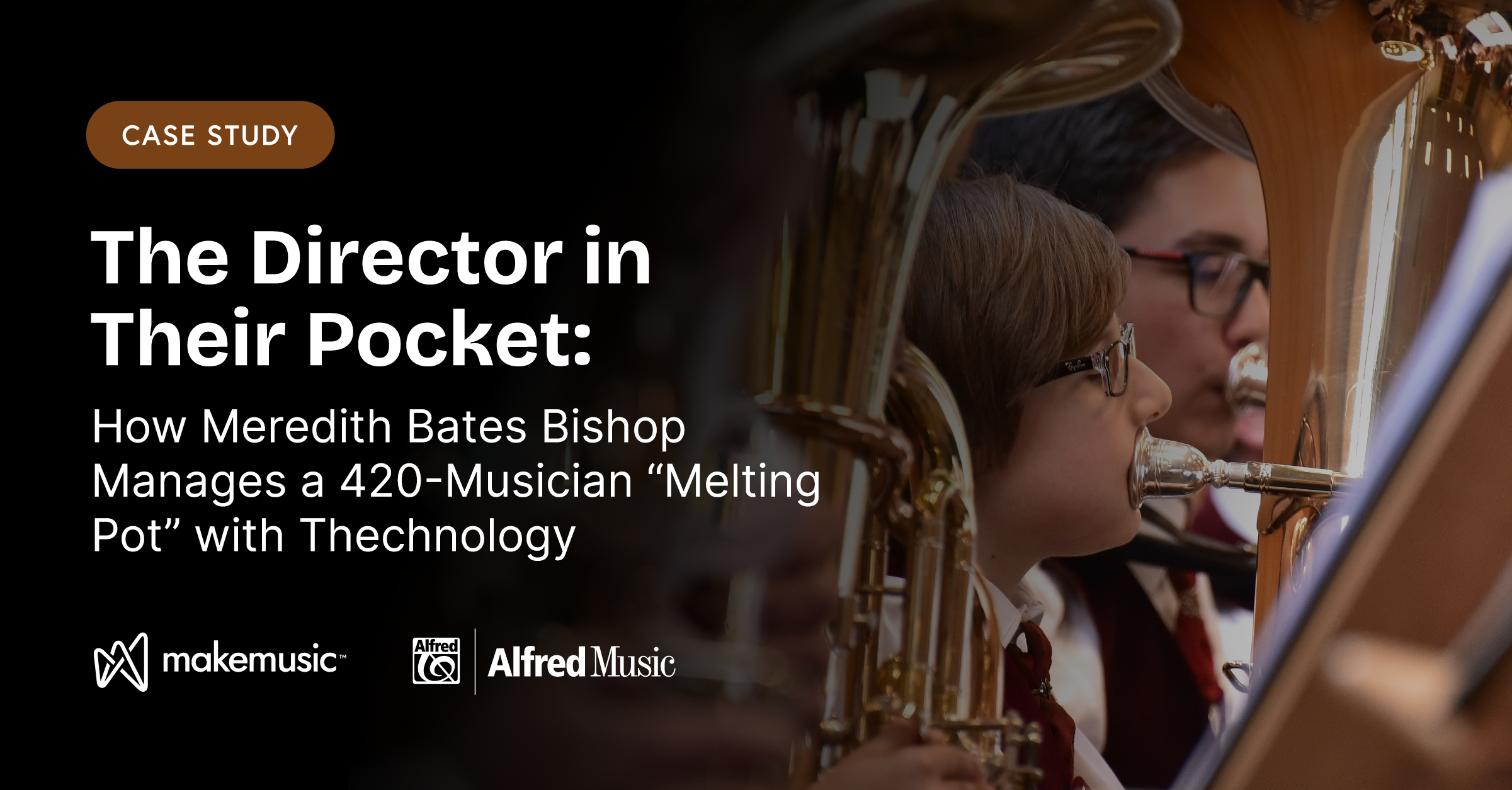
Every music educator understands the intense logistical pressure of running a massive, successful program. When your daily schedule involves team-teaching 420 students distributed across two separate physical campuses, navigating a Title I demographic with 35% economic disadvantage, and managing overlapping schedules for Gifted & Talented (GT) Academy paths and Dual Language tracks, time isn’t just luxury, it is survival.
For Meredith Bishop, Head Band Director at Pearland Junior High School West on the south side of Houston, Texas, maintaining a high standard of ensemble excellence across this diverse student “melting pot” required a complete rewrite of traditional classroom testing.
“In a traditional sectional or band style classroom, you give a student one chance to play a line,” Bishop explains. “They either did it or they didn’t do it. It’s very pass-fail, very black and white.”
To break out of that rigid framework, Bishop and her two full-time assistant directors integrated MakeMusic Cloud directly into their nine-week curriculum blocks. By transitioning baseline technical evaluations out of the classroom and onto their students’ Chromebooks and mobile devices, the Pearland West team fundamentally expanded how much they could accomplish.
Designing a Student-Centered Growth Track
The magic of Bishop’s curriculum architecture lies in its deep respect for individualized learning speeds. High-achieving eighth-grade musicians can blast through technical assignments autonomously, while developing students are afforded the time, privacy, and repetitions they need to build music literacy behind closed doors.
“My favorite thing about being able to use the software is that I can set a path and a progress for the students, but they are able to complete it at their own pace,” says Bishop. “They can go back as many times as they need to. My ultimate goal is that they learn the material. It doesn’t matter to me how many times it takes them; I just want them to learn.”

When a student hits a roadblock at home, the platform provides immediate visual validation. Musicians don’t just see a red note; they can hover over the error to analyze the exact mistake they made. This real-time feedback ensures that independent practice is highly informed rather than accidental.
“When the kids finally make it to me in a live rehearsal or sectional, they are significantly more confident on their parts,” Bishop notes. “I spend a lot less time chasing down wrong notes and wrong rhythms, and I get to spend more time doing what I love: being a specialist and making music.”
The Bright Cardstock Strategy: Building Long-Term Accountability
To prevent students from falling into the trap of last-minute procrastination, Bishop pairs her digital curriculum with a highly visible, physical organization tool. At the start of each nine-week grading term, every student receives a customized pass-off chart printed on bright, hard-to-lose cardstock.
This physical chart maps out the entire term’s assignment trajectory. Students can see exactly which weeks feature heavier technical requirements and which weeks are lighter, allowing advanced players to complete half the semester’s benchmarks in the first two weeks.

To bridge the gap between digital metrics and personal communication, students are required to manually fill out their grades and notes on their cardstock charts before turning them in. This creates an efficient feedback loop: if a student feels the microphone misread a pitch, they write a note directly on the card: ‘I promise I got this note right, but the software counted it wrong. Will you please listen and override my score?’
“It would be really easy for me to just pull their grades from the screen,” Bishop says. “But I’m trying to teach them that extra level of organization and personal accountability. They track their own growth and see exactly what they still need to work on.”
Deconstructing the Audition: Bronze, Silver, and Gold
Nowhere is Bishop’s systematic tech integration more evident than in her preparation workflow for competitive Region Band auditions for individual students. Confronted with the massive task of teaching young students seven major scales, a chromatic scale, and two complex etudes, Bishop built a repeatable, multi-tiered project system using custom XML music files exported from notation software.
Instead of assigning the entire scale sheet at once, Bishop clones the same musical file across three progressive instructional tiers, manipulating the software’s built-in Tempo Controller settings:
- 🥉 The Bronze Tier: Focuses on pure tone quality and baseline air support. The software is locked into an “Exactly” tempo setting (60 or 80 BPM). Students are prohibited from playing too fast, forcing them to hold notes for their complete durations and build a beautiful, supported sound.
- 🥈 The Silver Tier: Steps the velocity up to a fluent 120 BPM tempo, tracking finger agility and rhythmic precision.
- 🥇 The Gold Tier: Mimics the high-pressure environment of a live audition room. Students are required to perform all major scales back-to-back within a single recording file using an “At Least” minimum tempo window. If a student makes an execution error on the fourth scale, the software forces a complete reset of the attempt.
Effort-Driven Grading: Eliminating the Tech Fear Factor
One of the most profound elements of Pearland West’s success is Bishop’s unique, non-punitive grading philosophy. Recognizing that a low digital score can cause developing musicians to shut down, Bishop treats technology as an incentive tool, never a weapon.
“My grading philosophy across the whole program is simple: I look for effort, and I want to reward effort,” Bishop states. “If you try at all, it’s a 70. If you do an okay job, it’s an 80. A good job is a 90, and an amazing job is a 100.”
If a student encounters a technical hurdle at home and turns in an assignment with a low auto-grade score like a 33, Bishop doesn’t input that failing mark into the school grade book. She reassigns the passage and coaches them through it. And if a student simply refuses to complete their digital assignments? Bishop has a bulletproof solution:
“The rule is: if you don’t finish the online assignment in time, you have to play it for us live and in-person. I tell the kids, ‘The computer is going to be a much nicer grader for you than I am. Do it on your own time.’ It’s an incredible incentive.”
The Procurement Formula: Centralized Digital Textbooks
While many directors struggle to piece together funding through parent booster clubs or chocolate sales, Pearland ISD has set a gold standard for district-level technical support. The district administrative team funds full software access centrally, providing subscriptions to every band student across the many district campuses.
By classifying the software as a core “digital textbook” for instrumental music, the district removed the funding weight entirely from individual campus budgets while securing an enterprise volume discount.
For educators still hesitant to take the digital leap, Bishop offers an encouraging perspective based on a decade of experience:
“From the beginning, it can seem overwhelming, scary, and like it’s going to give you more work. What I’ve found after using it intensively is that yes, there is a bit more work on the front end—but it makes your life so much easier further on into the year. It’s like having an assistant band director in their pocket at home. Go for it.”
Unlock Your Classroom Pacing
Ready to eliminate note-checking, implement an effort-driven grading strategy, and reclaim your live rehearsal artistry? Learn how to structure multi-tiered technique assignments in your building. 👉 Start a 14-day trial.