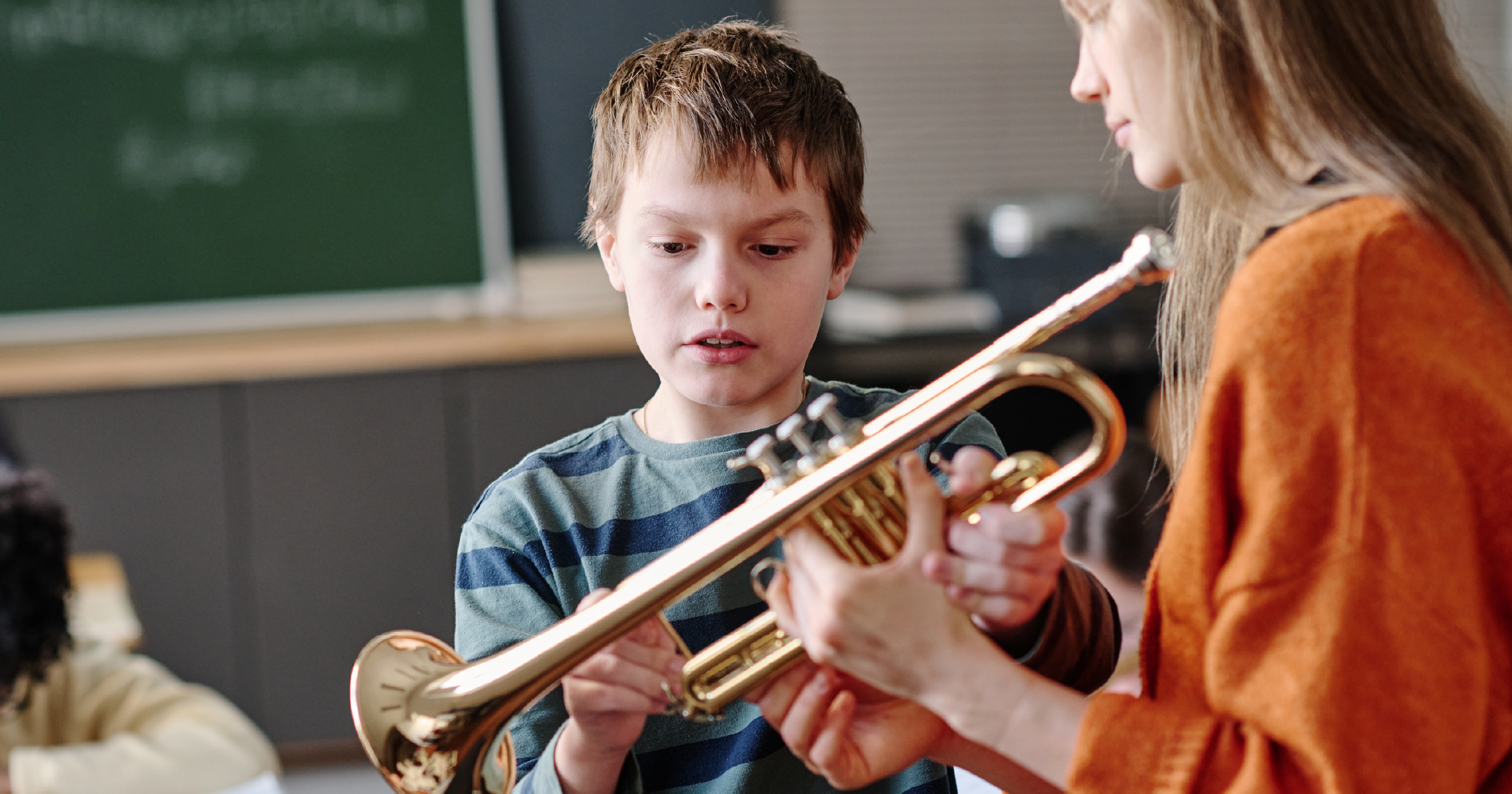
You know this student, too. Maybe there’s an IEP in the file, or a learning difference that never got a formal name, or a home situation that makes “practice 20 minutes a night” a nonstarter through no fault of their own. They’re not less musical than anyone else in the room. They’re just working against an assignment structure that was never designed with them in mind.
And here’s the part that stings: the standard approach isn’t just failing to teach them. It’s actively hiding what they can do. A student who freezes during live playing tests might play beautifully alone. A student who can’t parse traditional notation might have the best ear in your ensemble. When every assessment runs through the same narrow channel, you never find out.
What you both need is flexibility that’s built into how your classroom already runs, so adapting for one student doesn’t mean spotlighting them, and doesn’t mean building a second curriculum by hand every week.
Here’s how to get there.
Why One-Size-Fits-All Fails Everyone
Music education has a default mode: everyone gets the same piece, the same practice expectation, the same performance-based grade, delivered the same way. For most students, that default mostly works. For students with differentiated needs, it fails at three separate points.
First, the input. Traditional notation, dense pages, and color-coded feedback all assume a particular kind of visual and cognitive processing. A student with dyslexia, a visual impairment, or colorblindness isn’t struggling with music. They’re struggling with the packaging music arrived in.
Second, the output. Performance grades assume that playing on demand, often in front of others, is a neutral way to measure learning. For students with anxiety, processing differences, or motor challenges, the grade ends up measuring the conditions instead of the musicianship.
Third, the context. Standard assignments assume a quiet room, a supportive home, and predictable free time. Plenty of your students have none of those, and no amount of reteaching fixes a problem that lives outside your classroom.
None of this means lowering the bar. It means offering more than one way over it.
Signs the Assignment Is the Barrier, Not the Student
Students rarely say “this format doesn’t work for me.” They say it in other ways:
- They can play a passage for you one-on-one but fall apart on recorded or graded attempts
- They learn parts by ear from a neighbor faster than they read them from the page
- Written work comes back strong while performance grades stay flat, or the reverse
- They avoid anything involving the practice tools everyone else uses without complaint
- Their effort is visible in class but their completed assignments say otherwise
- Accommodations from other classes exist on paper but have never translated into your room
Any one of these might be a bad week. A pattern is your cue that the student doesn’t need more pressure. They need a different door into the same room.
Strategies for Meeting Them Where They Are
The instinct is to handle it case by case: a side conversation here, a modified assignment there, a quiet exception nobody mentions. That works until it doesn’t, usually around the time you have four of these students and one of you. What scales is building options into the structure itself.
Offer Multiple Ways to Show the Same Learning
The goal of an assessment is evidence of understanding, and evidence comes in more than one format. A recorded performance, a written response, and a demonstration on camera can all prove a student knows the material. When multiple formats are normal for the whole class, the student using an alternative isn’t “getting a break.” They’re just picking a lane.
Separate the Skill from the Delivery
Before grading, ask what you’re actually measuring. If it’s rhythm comprehension, does it have to be assessed through sight-reading? If it’s tone production, does it have to happen live in front of the section? Every time you can decouple the skill from one specific delivery method, a student who was failing the method gets a chance to pass the skill.
Make Accommodations Invisible
The fastest way to make a student stop using an accommodation is to make it conspicuous. Adjustments that live inside the same tools everyone uses, the same app, the same assignment list, the same gradebook, protect the thing adolescents guard most fiercely: not looking different.
Bring in Your Reinforcements
If a student has an aide, a co-teacher, or a case manager, those people are on your team, but only if they can actually see what’s happening in your class. Give support staff real access to assignments and progress, and the fifteen minutes they spend with your student starts pushing in the same direction you are.
How MakeMusic Cloud Helps
MakeMusic Cloud is a music education platform built to give every student in your room a way to practice, perform, and get feedback, and “every student” is the operative phrase. The flexibility you’d otherwise be improvising week to week is already built into the assignment types, the feedback settings, and the way support staff can plug in.
Let Them Show You, Not Just Play for You
Audio/Video Assignments let students submit performances on camera, so you can assess technique, posture, hand position, and more on their schedule instead of under the pressure of a live playing test. For a student whose anxiety or processing speed sabotages on-demand performance, a recording they can attempt at home, in a comfortable setting, finally shows you what they can actually do.
Grade the Knowledge, Not the Nerves
Multiple Choice Assessments give you a way to measure understanding that doesn’t run through a performance at all. For a student whose IEP calls for alternative assessment, or who simply demonstrates learning better in writing, a quiz on rhythm, theory, or listening keeps the standard intact while changing the format. Same bar, different door.
Put Their Support Team in the Room
Co-Teaching lets you bring an aide, co-teacher, or special education partner directly into your class inside the platform. Instead of your student’s support staff working blind, they can see assignments, monitor progress, and help in real time, which turns “the aide sits nearby” into genuine instructional support.
Feedback They Can Actually See
Colorblind students shouldn’t have to guess what red and green are trying to tell them. In Practice, you can adjust the visual feedback for colorblind accessibility, or turn off assessment coloring entirely for students who find it distracting or discouraging. The feedback adapts to the student, not the other way around.
Notation That Meets Readers Where They Are
AlphaNotes in Compose display letter names inside the noteheads, giving non-traditional notation readers a bridge between the sound they know and the symbols on the page. For a student who needs this kind of support, AlphaNotes turn a wall of mysterious dots into something they can decode, and gradually stop needing.
Learn from Someone Who’s Done This
You don’t have to invent inclusive music teaching from scratch. Annie Ray, the 2024 GRAMMY Music Educator of the Year, teaches a course in MakeMusic Academy full of practical strategies for teaching students with exceptionalities. It’s professional development built by someone who has actually run the classroom you’re trying to build.
Try MakeMusic Cloud for Free
Give yourself the opportunity to explore what MakeMusic Cloud can do for you and your students, especially the ones the standard approach keeps missing. Our free 14-day trial is the best way to start!
FAQ
How do I adapt music assignments for a student with an IEP?
Start by separating the skill from the delivery method, then offer an alternative format that measures the same learning: a video submission instead of a live playing test, or a multiple-choice assessment instead of a performance grade. Tools with built-in assignment flexibility let you do this without building a parallel curriculum.
How can I support a student with a learning difference without singling them out?
Keep accommodations inside the tools the whole class already uses. When adjusted feedback settings, alternative notation, and varied assignment types are normal parts of your classroom, no student has to feel like the exception to use them.
What if my student has a co-teacher or aide? How do they help in music class?
Give them real visibility. Platforms with co-teaching features let support staff see assignments and student progress directly, so the help they provide in class is aligned with what you’re teaching instead of guesswork happening beside it.