
You got into teaching music because you love music. You love the moment a section finally locks in on a chord, the look on a student’s face when a tough passage clicks, the energy of a great rehearsal. What you probably didn’t sign up for was spending Sunday nights buried in a gradebook or starting every class period five minutes late because you’re still logging attendance from the podium.
You’re not alone. Survey data consistently shows that attendance tracking and grading are the two administrative tasks music educators most wish they could automate.
And honestly? That makes complete sense.
The Hidden Cost of Manual Admin: Time Stolen From Teaching Music
Here’s the reality of running a large ensemble course: you might have 60 students or more in the room at a time. Taking attendance sounds simple until you realize it’s nearly impossible to do accurately from the podium without losing the class’s momentum. Do you stand there clicking names while your students stare at you? Do you start rehearsal and try to remember who was absent later? Neither option feels great.
And then there’s grading. Your school or district has a policy, and grades have to get entered: that’s just the deal. You know better than anyone that a student’s growth as a musician doesn’t always fit neatly into a percentage, but the gradebook exists and it needs to be filled. So where does that leave you? Often, it means recording playing tests on evenings and weekends, listening to dozens of clips, and trying to give feedback on your own time.
There is a better way. A smarter way. And it doesn’t require you to cut corners on what matters.
Smarter Approaches to Attendance
The start of a new school year is the perfect moment to set up routines that actually stick. Before you craft your system, take a few minutes to visualize your ideal class flow. What does the first five minutes look like when everything is running smoothly?
One of the most effective (and underused) strategies is empowering a student leader to start class while you handle attendance. This isn’t just a time-saving hack; it’s genuinely great for students.
Here’s what it can look like in practice:
- Designate a rotating “class leader” (or section leaders) whose job is to get things rolling the moment the bell rings. They can press play on a warm-up or exercise in MakeMusic, which gives everyone a reliable count-off and a set tempo to follow without ambiguity or chaos.
- A student can pull up a drone tuning pitch to get the room focused and ears engaged before you’ve even put down your pencil.
- For more advanced or responsible students, you can have section or row leaders do a first-pass headcount and report missing students to you. Students generally love being trusted with responsibility, and it’s a genuine life skill.
Yes, it takes a few class periods to train students on this routine. But once it clicks, your class runs like a well-oiled machine and you stop being the director whose name keeps showing up on the “attendance not submitted” report. Worth it.
Automating Grading with MakeMusic
Now for the part that probably consumes the most of your off-the-clock hours: grading.
First, a mindset shift worth considering, especially if you teach younger students. Students perform more confidently when they know their natural talent isn’t what’s being evaluated. A simple, effort-based grading policy, where any student who genuinely tries earns a 70 or 80, can do wonders for classroom culture. Pair that with a tool that lets students work through mistakes privately, at their own pace, without peers watching, and you’ve created a practice environment where confidence actually grows.
That’s exactly where MakeMusic earns its keep.
Here’s a method that educators at Rouse High School and Wiley Middle School have put to great use: the minimum MakeMusic score requirement. Before a student plays a live “pass-off” for the director, they have to hit a minimum accuracy score in MakeMusic first. The platform’s built-in assessment tools do the initial grading, tracking note accuracy, rhythm, and more, so students have to work through the piece on their own before they ever step up to play for you.
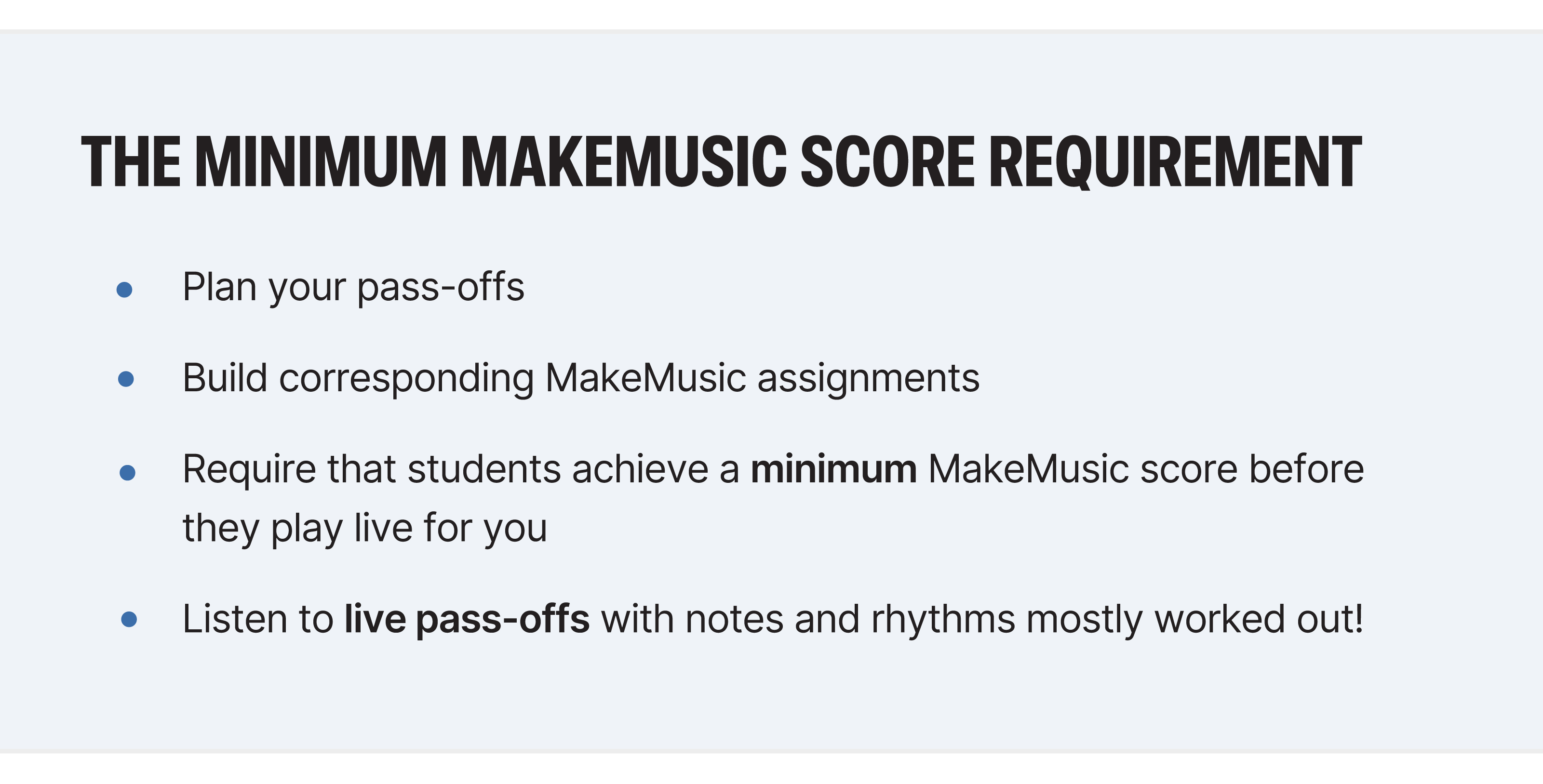
The result? You’re not sitting through recordings or live sessions of students who haven’t practiced yet. By the time they do play for you live, they’re further along in the learning process, and your in-person feedback is actually meaningful and specific. You can read more about how these programs built this culture in the Wiley Middle School and Rouse High School case studies: both are worth a read.
Automation = More Time for What Actually Matters
When you stop spending energy on repetitive administrative tasks, something shifts. Rehearsals feel more intentional. Feedback feels more personal. And the thing that made you want the job in the first place, actually making music with students, gets to take center stage again.
Less time chasing attendance. Fewer weekend grading sessions. Lower fatigue, less burnout, and more of the good stuff.
MakeMusic is built to support you: the routines, the grading, the practice accountability, all of it. Start your best year yet with a free trial today.