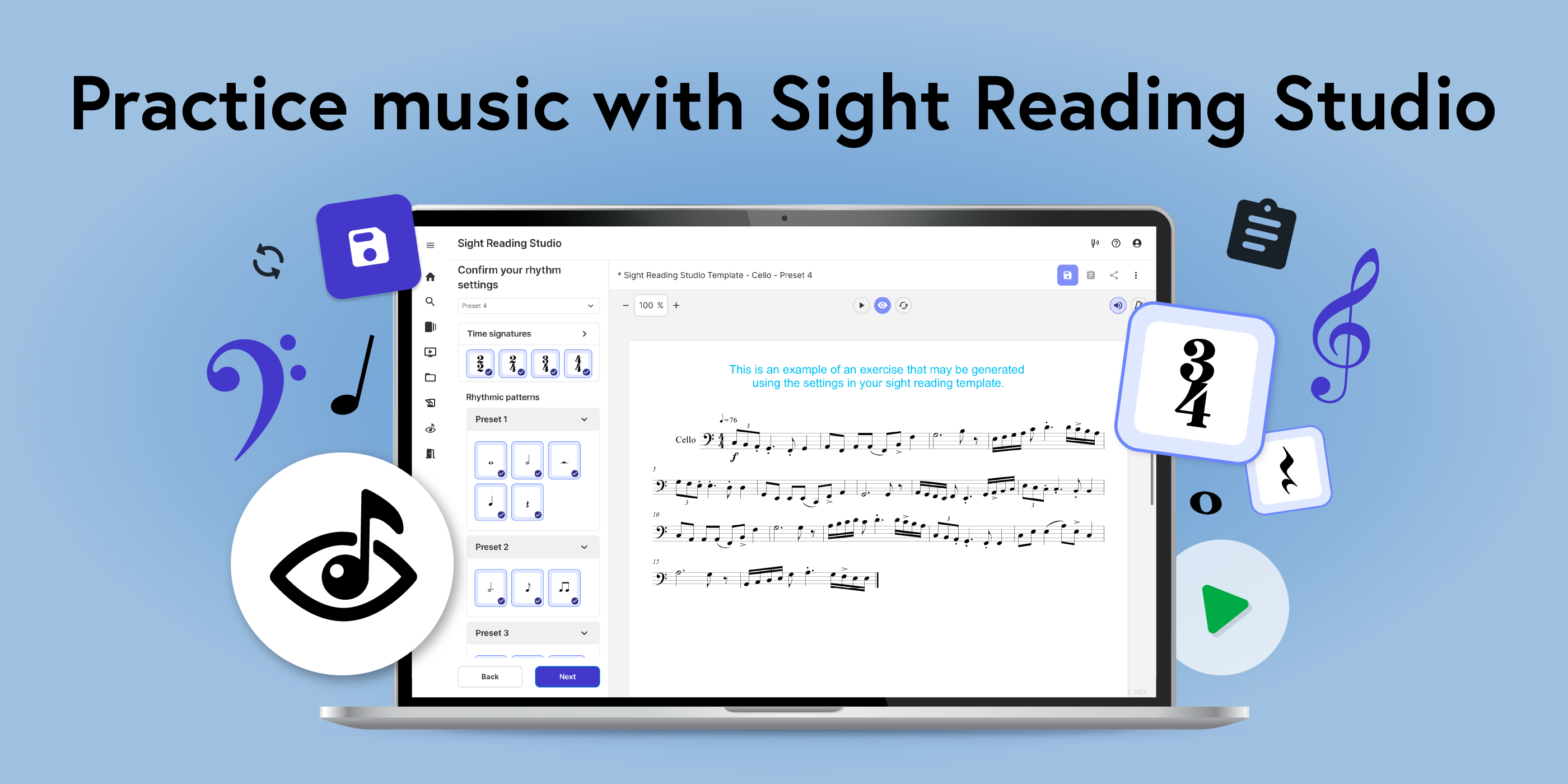
Sight reading is a critical skill to musical development, and is truly the key to unlocking your musical independence and potential.
Sight reading is a critical skill to musical development, and is truly the key to unlocking your musical independence and potential.
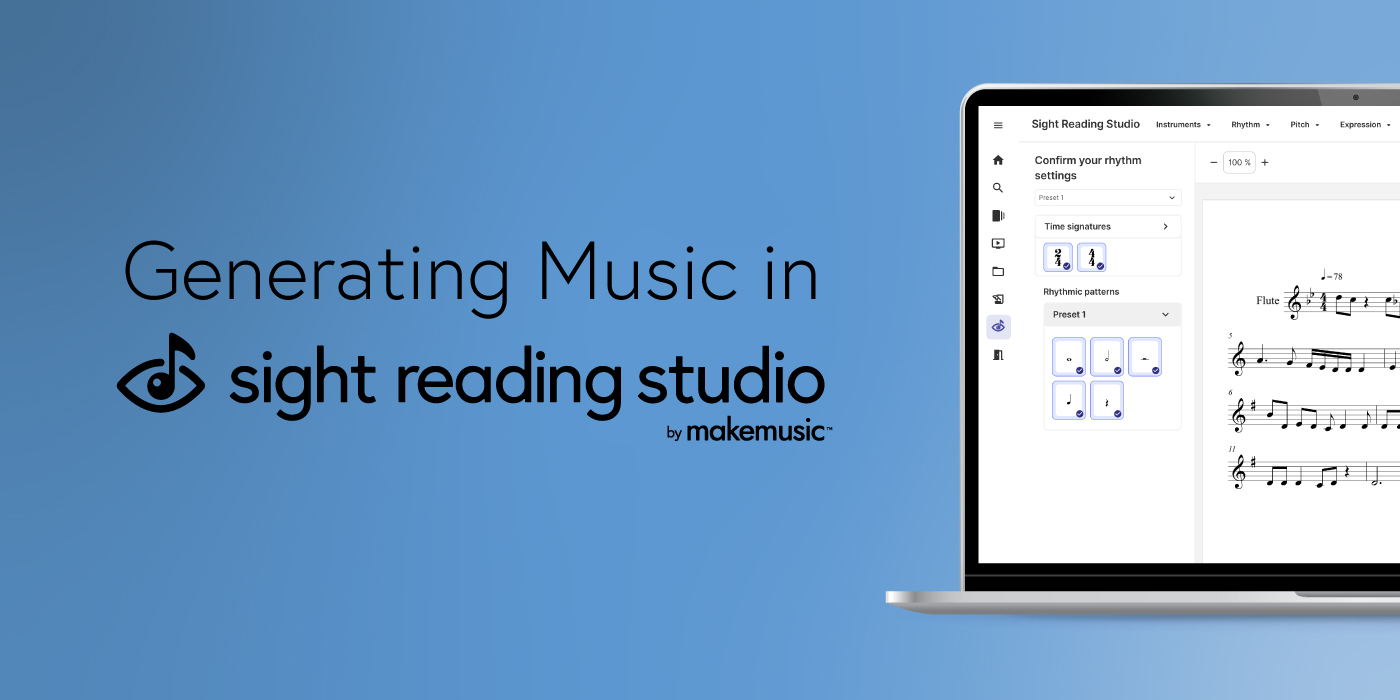
Sight reading is one of the most important skills to develop as a musician, but constantly finding new music to practice can be a challenge.
Ask ten educators how they handle the MakeMusic Cloud assignment process and you will get ten (probably great!) ideas about how to create meaningful assignments for your own students!

Sharing the love of music is easier than ever with MakeMusic Cloud’s innovative tools!
ComposeHave you explored our powerful Compose tool recently?
The MakeMusic Cloud Video lessons library is full of MusicProfessor Level 1 videos (for winds, strings, and percussion). MusicProfessor video lessons are professionally recorded, sequential, bite-sized lessons taught by master pedagogues on each included instrument.

Music Educators are busy people! When you use MakeMusic Cloud (SmartMusic) with your students, you are empowering them to use high-quality resources, self-assess, and self-correct with the assistance of our powerful suite of tools.
Using the Playlist creation and sharing features in the SmartMusic by MakeMusic Music Catalog is an easy and quick way to organize yourself and share music with students and colleagues.

Part of pointing your students toward success in MakeMusic Cloud is ensuring that they’re set up to take the best recording of their performances, thus receiving the most accurate assessments.
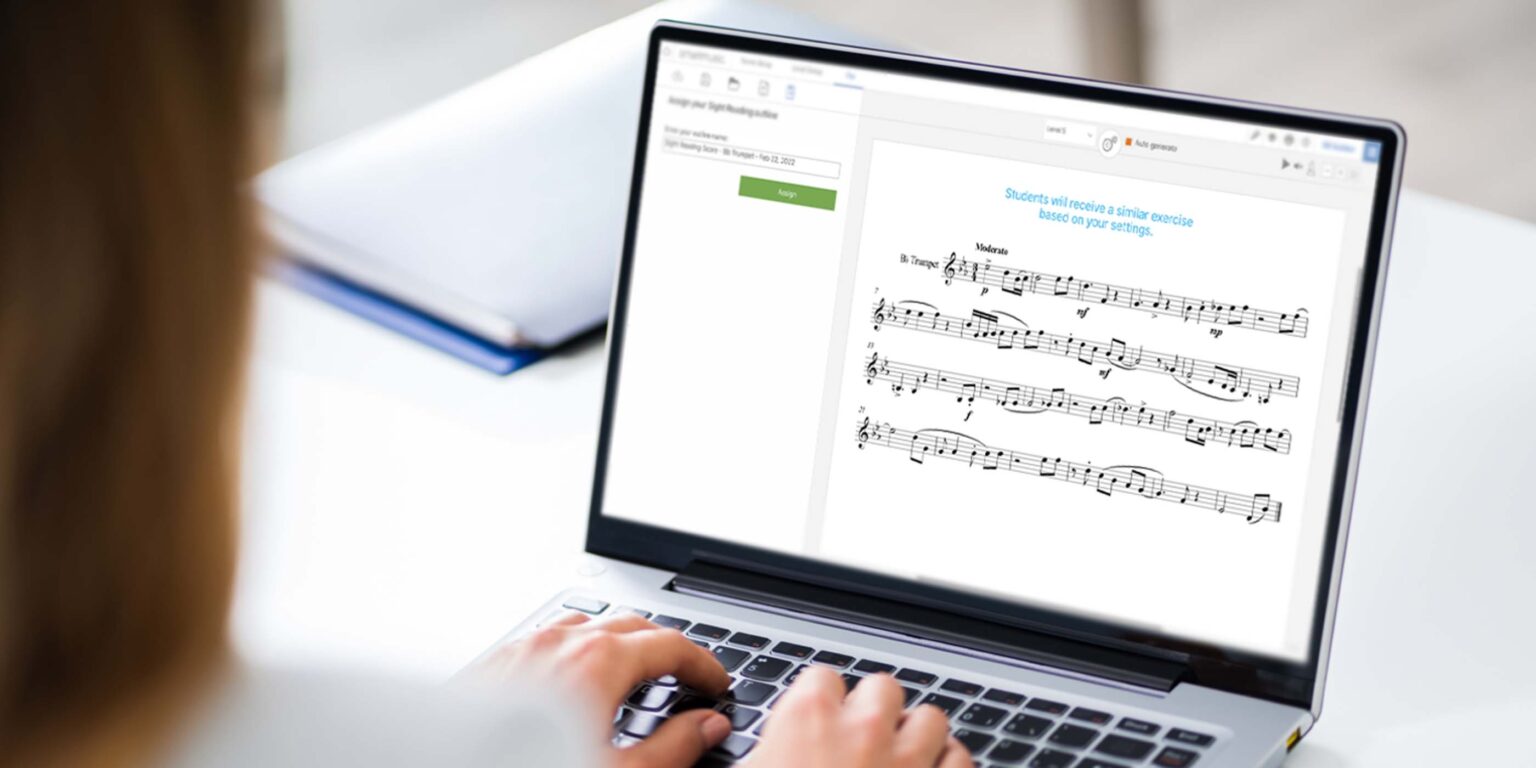
The importance of developing sight-reading skills as a musician is undeniable. With that comes the need for teachers to access endless amounts of sight-reading content that can quickly be placed in front of their students on a regular basis.